

Client Side vs Server Side Tags: A Beginner’s Guide
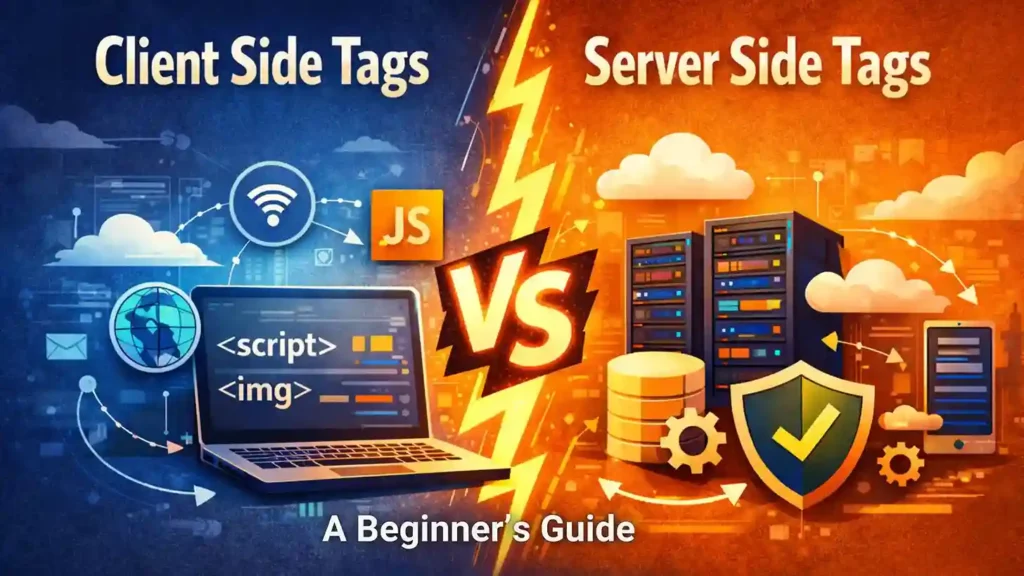
Tags are snippets of code that are inserted into a website’s code that help various digital analytics tools like Google Analytics, Hotjar, Plausible and so on, obtain information about how a user is interacting with the website. Just like cookies, there are two types of tags: Client Side Tags and Server Side Tags.
Table of Contents
ToggleWhat are Client Side Tags?
Client Side tags or pixels are placed on your website and fires in the user’s browsers. Whenever the user takes an action that is marked as a trigger event by your website’s tag, the information directly goes from the user’s browser to the data analytics tool you use and your social media partners like Facebook and Pinterest. This process of using client side tags to monitor user behaviour is called client side tracking. This process is easier to implement but limits the user’s privacy and data security. Given below is a list of the pros and cons of client side tracking:
Pros
- Easier to implement.
- Real-time data collection becomes possible
- Can directly integrate with many data analytics tools.
- Is a little more cost-effective because you aren’t paying for the server processing power to handle the data.
Cons
- This form of tracking is vulnerable to browser restrictions and ad blockers.
- If the user’s browser is restricted from sending information to third party partners, your digital analytics tools will not be able to give you accurate data.
- May cause the website to slow down if you have too many partners.
- Both the user’s and the website’s privacy and data security becomes compromised.
The Cons of Client Side Tracking far outweigh that of the pros. Therefore, it is advised to stick to server side tracking whenever possible.
What are Server Side Tags?
Server-side tags are tracking codes that send website data to your own private cloud server first instead of directly to third parties. This means that whenever a user undertakes an action marked as a trigger by your tag, the information goes to your site’s cloud server, instead of all the third parties. The cloud processes and cleans the data before forwarding it to your partner tools, softwares and social media platforms.
Pros
- Because the data is sent from the user’s browser to your cloud server (first-party) instead of directly to third parties, browser restrictions can be surpassed.
- The browser sends only one stream of data to your server, instead of ten different scripts for ten different vendors. This is conducive for a speedy site.
- Ensures data security and privacy of both the website and the user.
- Server side tracking is more GDPR (General Data Protection Regulation) compliant as it centralized data control (all the information is collected in the website’s cloud server) , enables anonymization, limits how much of user information is made available to third parties and requires explicit user consent before their data is collected.
Cons
- Slightly more complex to set up. Setting up the server container requires technical expertise.
- You have to pay for the cloud hosting (Google Cloud, AWS, etc.) where the data is cleaned, processed and forwarded to your partner tools and social media.
Comparison at a Glance
Feature | Client-Side | Server-Side |
Difficulty of Setting Up | Not very difficult, it involves a simple copy-paste action. | Higher difficulty as cloud configuration is required. |
Effect on Site Speed | Site can become slow if there are too many partners to whom information has to be sent. | Site does not slow down, as a single stream of information is sent to the cloud server instead of hosting multiple scripts to send information to multiple third parties. |
Data Privacy and Security | Both the data of the user and client is at risk. | Server side tracking gives the site greater control over its own privacy. The user’s information is also protected. |
Accuracy | Data collected may not be very accurate due to the presence of browser restrictions and ad blockers. | Higher accuracy because browser restrictions can be surpassed. |
Cost of Setting Up | Less costly, might even be free. | Costs are higher, since cloud fees are required to be paid. |
Conclusion
Having the right kinds of tags is supremely important for marketers as they provide valuable information about how users interact with a website. In 2026, the internet is also finally waking up to privacy concerns that both users and websites may have. Therefore, it is crucial for any marketer to know which tools and features keep their website ethical and make it more trustable. This blog is only aimed at introducing you to the concepts of client side and server side tags, in practice, tag installation and management falls on the technical side of digital marketing. Therefore, a strategized learning method can go a long way in boosting your skill and confidence. We at Gyaner have a course that is dedicated to providing you with all that you need to know to set up Google Tag Manager all by yourself without the need of a developer. Learn with us and become a self reliant digital marketer who shines like the evening star in the job market.
FAQs
Client Side tags or pixels are placed on your website and fires in the user’s browsers. Whenever the user takes an action that is marked as a trigger event by your website’s tag, the information directly goes from the user’s browser to the data analytics tool you use and your social media partners like Facebook and Pinterest.
Server-side tags are tracking codes that send website data to your own private cloud server first instead of directly to third parties. This means that whenever a user undertakes an action marked as a trigger by your tag, the information goes to your site’s cloud server, instead of all the third parties.
Server side tags are definitely the smarter and safer choice, they do not get blocked by browsers that have restrictions, they are GDPR compliant, they make the site faster and protects the data of both the user and the website.
Setting up server side tags are more difficult than client side tags, as cloud configuration needs to be attended to, proper containers are to be designed. Google Tag Manager greatly simplifies the process, and if you have mastery over it, you can set up your own tags without the need of a developer.
Tags are snippets of codes that are present in your website, which help you track how users are interacting with your website, cookies on the other hand is the information itself that gets collected. Think of tags as a camera that sees user interaction, and cookies as the photo, which shows how the user has interacted with your site.